BigCommerce address verification
Capture accurate delivery addresses in your BigCommerce checkout with the Addressfinder integration
Reduce failed deliveries, redelivery costs and customer complaints with Addressfinder's address verification integration, purpose built for Australian and New Zealand BigCommerce stores. The integration provides:
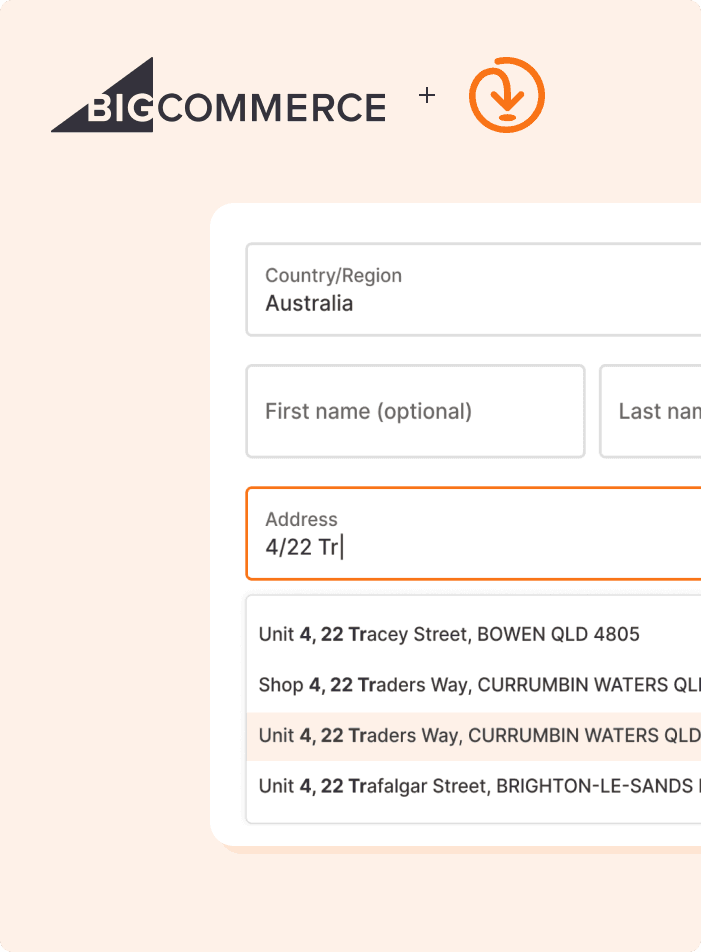
Real-time address autocomplete and verification at checkout
Suggests only verified, deliverable addresses
Data from Australia Post, G-NAF, NZ Post, LINZ and more
Email and phone verification at checkout
International addresses across 15 countries
Why Addressfinder
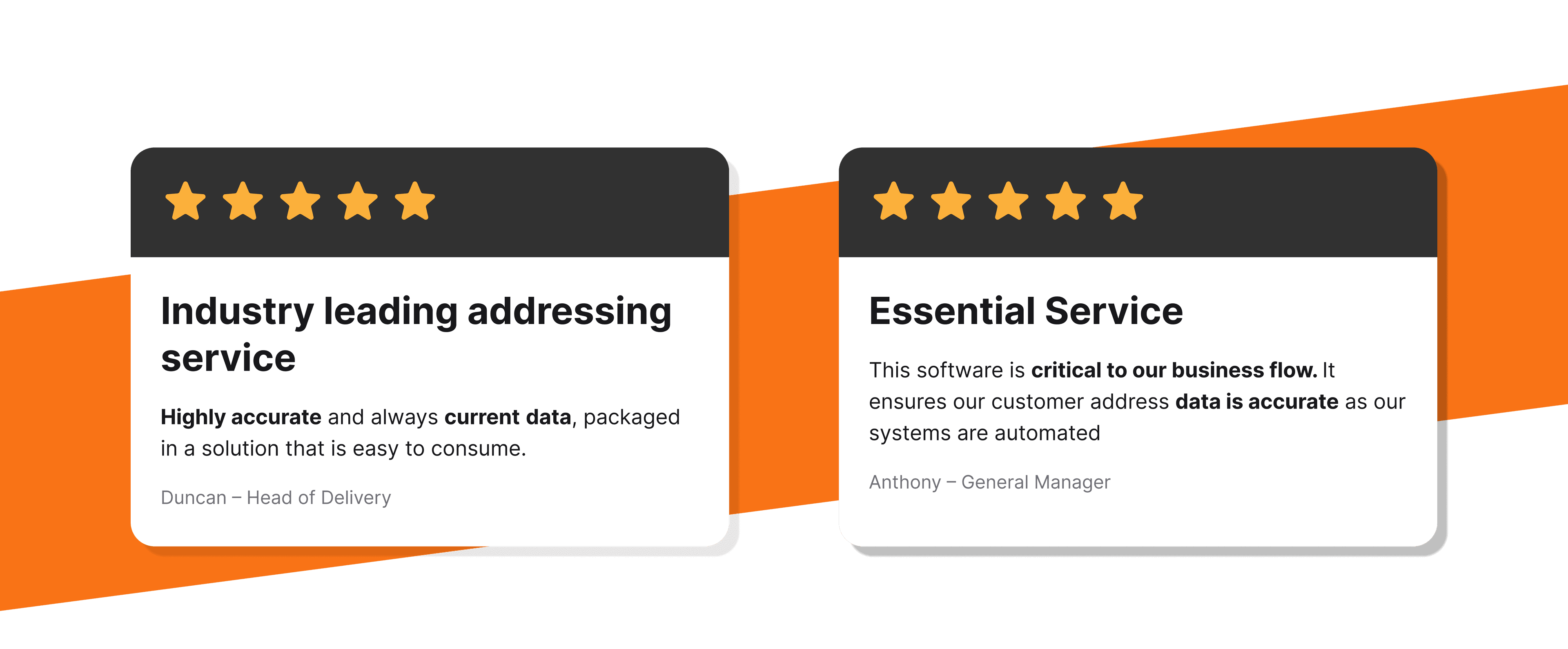
We have been helping Australian and New Zealand businesses capture and verify accurate address data since 2010. Our service is built for local markets, maintained by a local team and trusted by businesses for the accuracy and completeness of our data.
Authoritative local data
Sourced from Australia Post, G-NAF, NZ Post and LINZ and updated monthly covering, new builds, rural, unit and level addresses.
Reliable by design
99.999% API uptime and a stable, SOC 2 certified service that has been running in production for over a decade. Set it up and trust that it works.
Local support team
Get help from our team operating out Australia and New Zealand – we understand local address formats, edge cases and delivery nuances.
Configurable validation rules
Control which addresses your store accepts. Block PO boxes and configure email and phone verification rules.
Try our address verification
Type an Australian or New Zealand address below to see Addressfinder's address autocomplete in action
Try this out on your website with our 30-day trial with 1,000 free Lookups.
Get up and running in minutes
Addressfinder connects to your BigCommerce store via a verification tag added through your admin dashboard with no custom development required.
Add the verification tag
In your BigCommerce admin, go to Settings > Advanced > Data solutions > Site Verification Tags and paste your Addressfinder verification tag snippet.
Add your license key
Replace the demo key placeholder in the snippet with your Addressfinder license key and click Connect.
Go live
Address verification is active at checkout and account creation pages immediately. Configure PO box blocking and email and phone verification rules in your tag settings.
Addressfinder BigCommerce FAQ
Start verifying data in minutes
30-day free trial. No credit card required. Cancel anytime.