Shopify Plus address verification
Capture accurate delivery addresses in your Shopify Plus checkout with Addressfinder
Reduce failed deliveries, redelivery costs and customer complaints with Addressfinder's address verification integration, purpose built for Shopify Plus stores. The integration provides:
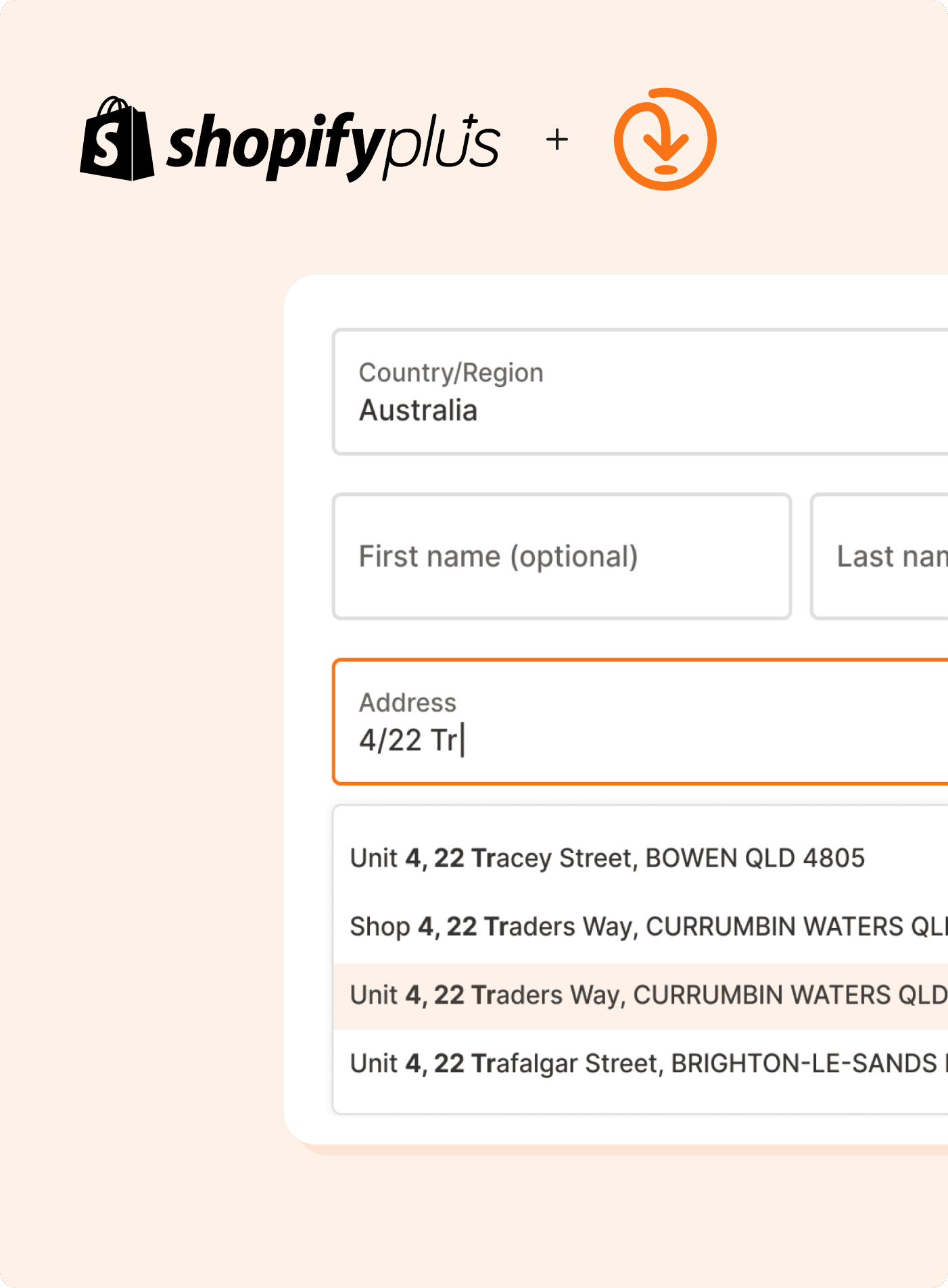
Real-time address autocomplete and verification at checkout
Suggests only verified, deliverable addresses
Data from Australia Post, G-NAF, NZ Post, LINZ and more
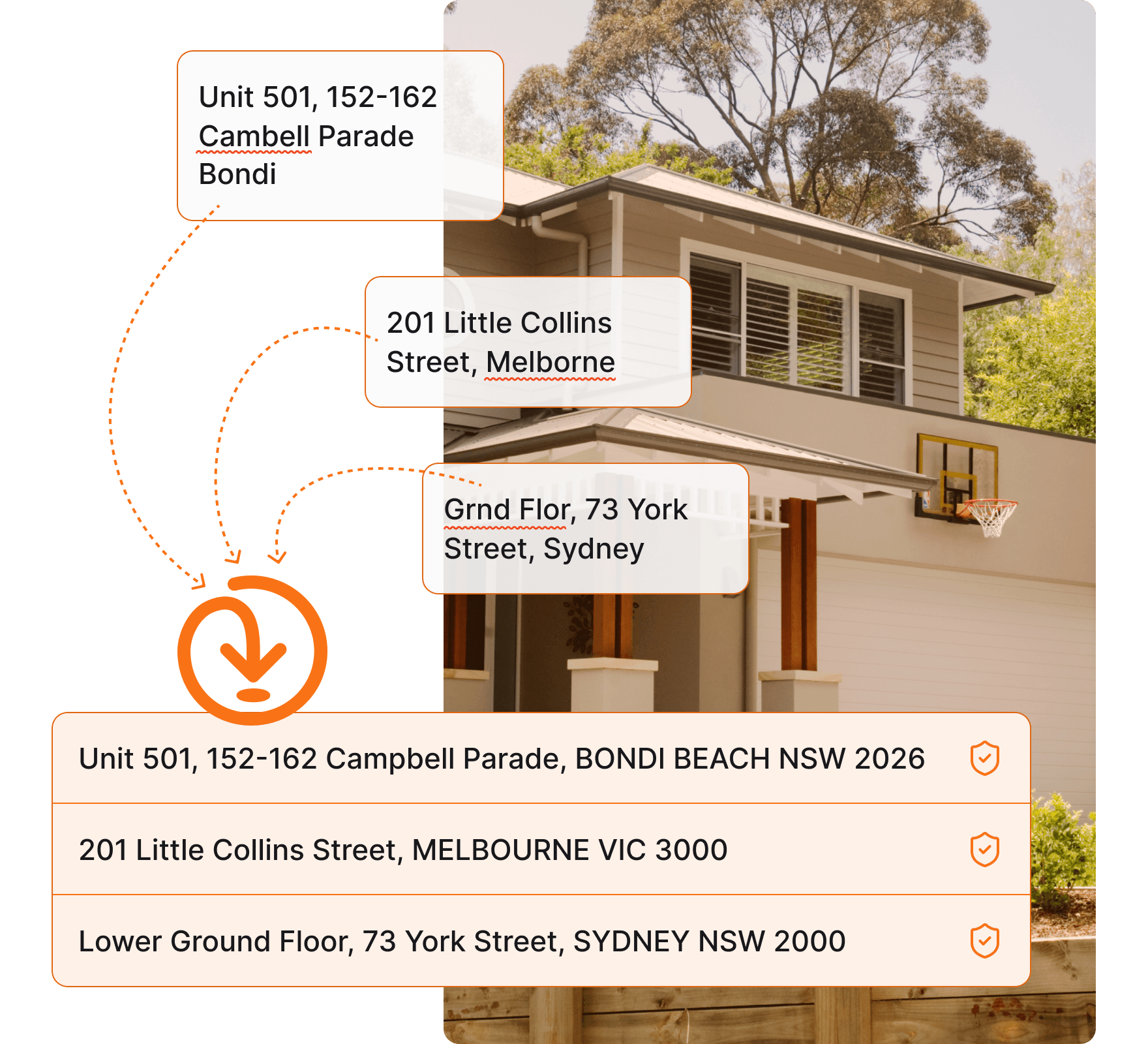
Handles unit and level numbers, PO Boxes and more
International address coverage included
This integration is available for Shopify Plus stores only. Not on Shopify Plus? You can still verify outside of checkout.
High volume or enterprise requirements? Talk to us about our custom Addressfinder option
Why Addressfinder
We have been helping Australian and New Zealand businesses capture and verify accurate address data since 2010. Our service is built for local markets, maintained by a local team and trusted by businesses for the accuracy and completeness of our data.
Authoritative local data
Sourced from Australia Post, G-NAF, NZ Post and LINZ and updated monthly covering, new builds, rural, unit and level addresses.
Reliable by design
99.999% API uptime and a stable, SOC 2 certified service that has been running in production for over a decade. Set it up and trust that it works.
Local support team
Get help from our team operating out Australia and New Zealand – we understand local address formats, edge cases and delivery nuances.
Configurable validation rules
Control which addresses your store accepts. Configure data sources, block PO boxes, restrict rural addresses and more.
Does Shopify have a default address autocomplete?
Yes, Shopify's built-in address autocomplete is powered by Google Places. It suggests addresses based on mapping data, but it does not verify them against the authoritative sources that Australian and New Zealand postal networks rely on.
Google Places frequently misses or incorrectly formats unit numbers, level numbers and PO Box addresses, which make up a significant proportion of all Australian postal addresses. When a customer selects an address that looks right but is not recognised by Australia Post or NZ Post, the order is placed and the delivery fails.
Addressfinder only suggests addresses that local carriers will accept, drawn from Australia Post, G-NAF, NZ Post and LINZ. When a customer selects an address, you can be confident it will be delivered.
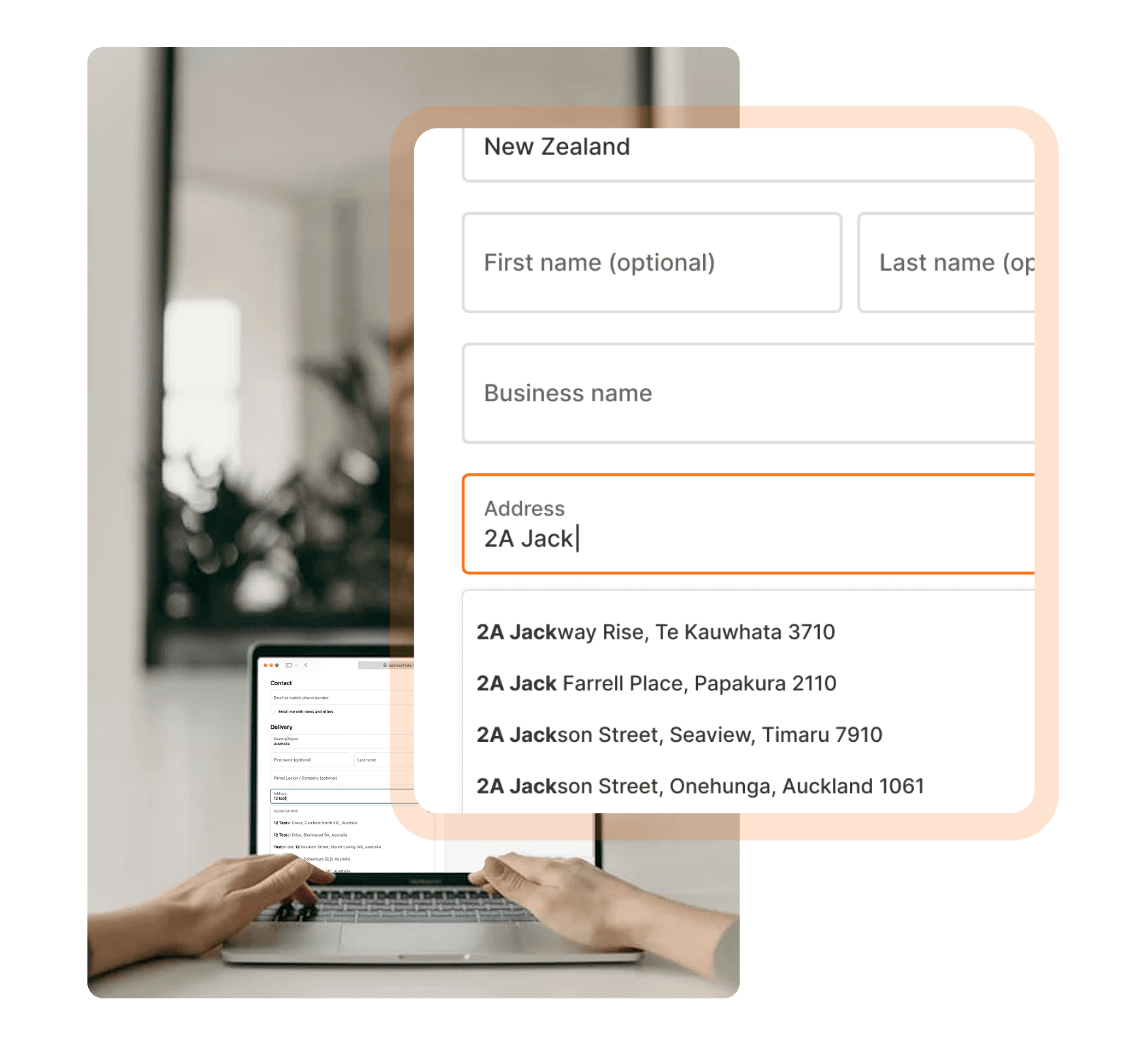
Try our address verification
Type an Australian or New Zealand address below to see Addressfinder's address autocomplete in action
Get up and running in minutes
Addressfinder installs directly from the Shopify App Store.
No Addressfinder account needed and no development required. Billing is also handled entirely through Shopify and included in your monthly invoice.
Install the plugin
Install the plugin on the Shopify App Store and accept the subscription terms. You will also receive 100 free lookups to get started.
Enable in your checkout settings
In your Shopify admin, go to Settings > Checkout > Customize. In the editor, go to Settings and Address autocompletion and select Addressfinder.
Configure and go live
Configure your address filters in the app settings. Choose data sources, set PO box and rural address rules and configure international address support if needed. Save and publish. Address verification is live immediately.
Verify after checkout
Express payment providers like Shop Pay, Apple Pay and Google Pay pull shipping addresses from stored payment data, bypassing checkout validation entirely. Browser autofill and returning customers reusing old addresses create the same problem. The result is bad addresses reaching your warehouse despite a smooth checkout experience.
Addressfinder can verify and standardise delivery addresses after checkout and before dispatch, catching errors that front-end validation cannot reach, regardless of your platform or stack.
Shopify Plus FAQ
Start verifying addresses in your Shopify Plus store
Install from the Shopify App Store. 100 free lookups to get started.
No Addressfinder account required.